


Our Work is Our Word
We take a client-centered approach to our award-winning work. We walk alongside our clients to understand their vision and work with our entire team to create beautiful, functional, and innovative design and strategy. At Ocreative, we believe in the validity of the work our clients have already built and relentlessly pursue a successful and creative path forward. See some of our award winning marketing projects made for clients in the Milwaukee area, and across the country.










Making cutting edge marketing approachable and successful.
At Ocreative, we walk with you, every step of the way, to curate the most effective marketing plan for your brand and business. We offer a bold approach to digital and traditional marketing, marrying the best of tried-and-true methods with forward-thinking concepts to produce the very best strategy to empower and enhance your organization. Experience comprehensive, fully-integrated marketing strategy infused with human-centered design.

OUR MARKETING SERVICES ARE COMPREHENSIVE
There is a reason we consider ourselves a fully-integrated marketing agency. We take the time to know you, to know your product or service, and to understand your goals. At Ocreative, we work to seamlessly integrate our efforts with your vision and team to create customized strategies that deliver results.
Who We Are
Remember back when you were five or six years old – when anything was possible and the world was at your fingertips. When a cardboard box was a spaceship and the universe was waiting for you. We work, every day, to bring that approach – the limitless yet approachable wide-eyed wonder to our work and our strategy.
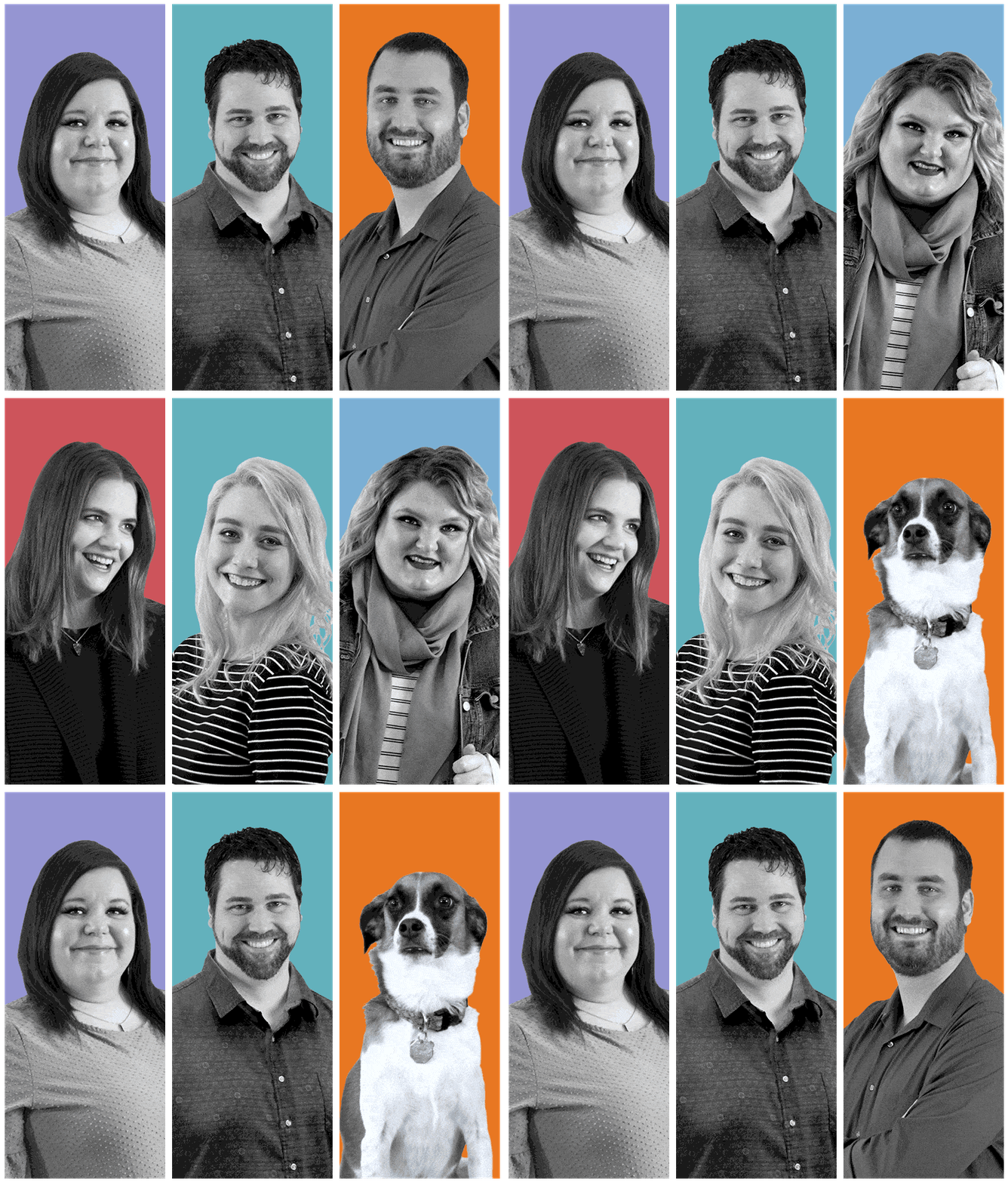
Ocreative is powered by a close-knit group of thoughtful innovators who held on to that creativity and curiosity. We work as a unit. We encourage each other. We create together.

About You
You are bright and hardworking. You are forward-focused and dialed-in to your organization. You are ready to take your business to the next level. At Ocreative, we believe in building strong partnerships with like-minded, passionate people like you, who are looking to enhance their marketing practices and take their organization to the next level. You might be looking to build better sales collateral, create an interactive and intuitive website, or work with an experienced team to implement a CRM and build out your digital marketing campaign. No matter your need, Ocreative can help. We know you will be a great fit with our team.
OCREATIVE MARKETING INSIGHTS
We don’t deny that we’re obsessed with marketing and design. In fact, we’ve got an entire blog chock-full of quick marketing lessons and engaging content to help inspire your initiatives and drive your marketing knowledge. Find out more of what we know and learn a little about us in the process.

How Our Team Stays Creative
At Ocreative, we believe that implementing creative health habits into our daily life encompasses innovative and unconventional approaches to maintaining and improving our physical, mental, and emotional well-being. As [...]

Unveiling our Top 5 SEO Strategies for Maximum Online Visibility
Our Top 5 SEO Strategies for Maximum Online Visibility Having an online presence is essential for businesses of all sizes. However, simply having a website is [...]
Talk to Us in Real Life
We’re always ready to meet new people, learn about innovative businesses, and support new clients. At Ocreative, you aren’t just a client on a list, you are a part of our team. You drive us to be better. We want to hear from you. When you call Ocreative, you’ll be introduced to a real team member, likely our Founder and Chief Creative Officer Andrea or our Chief Business Development Officer, Matt.
